Group the map
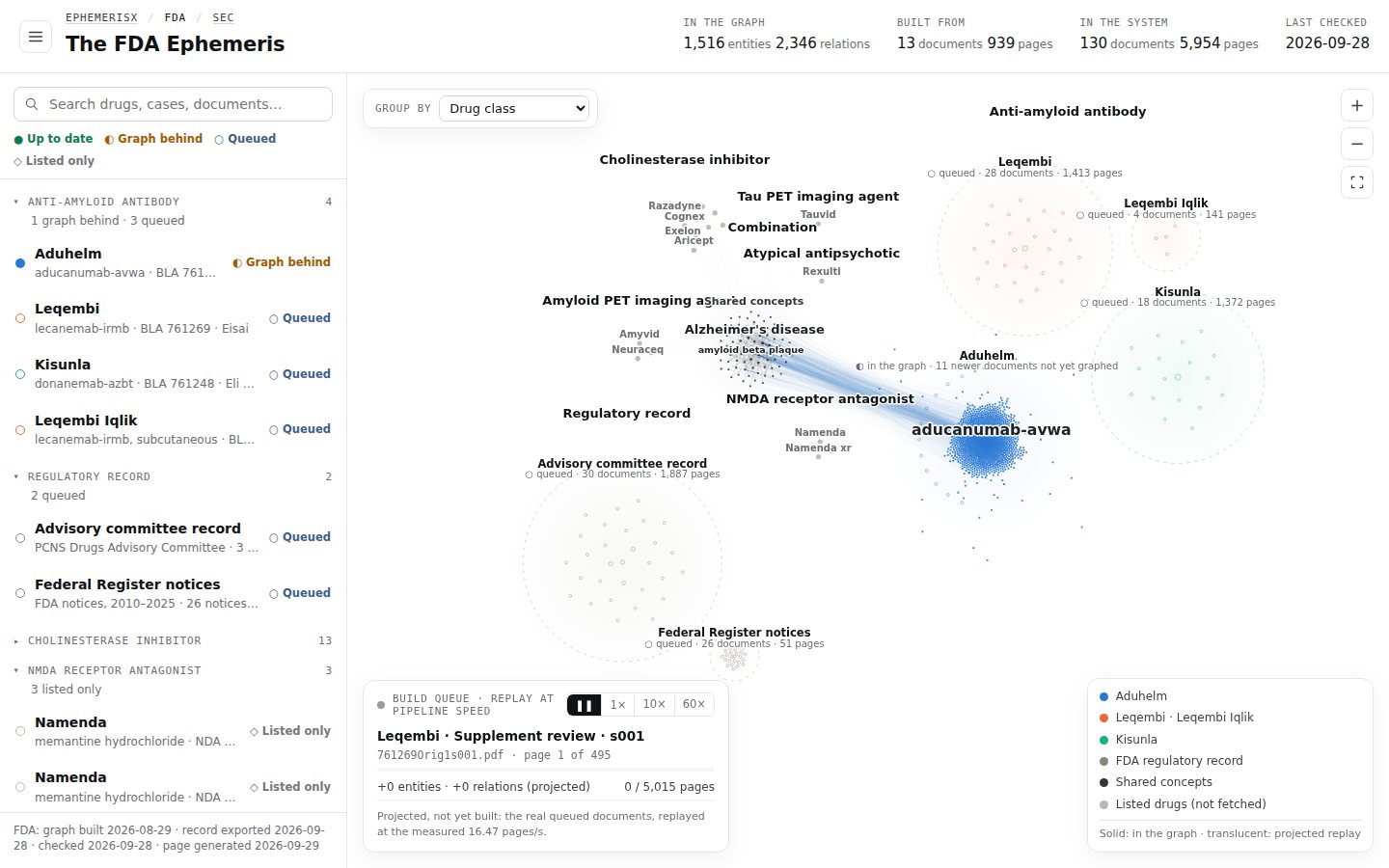
Use Group by to rearrange the Ephemeris into regions by disease area, drug class, sponsor, document type, status and more.
The Group by menu, at the top left of the map, sorts every item into labelled regions. Grouping changes how things are arranged, not what is shown.

Change the grouping#
- Open the Group by menu at the top left of the map.
- Choose an option. Items move into their new regions and the map re-fits to show them all.
- The list on the left is rebuilt with one group per region, in the same order.
The page address changes to include ?by= and the option, so a copied link reopens with the same grouping. See Share links.
Grouping options#
| Option | ?by= | Groups items by | Maps |
|---|---|---|---|
| Disease area | disease | The disease the drug or product is for. The default. | All |
| Drug class / Therapeutic area | class | Pharmacological class (FDA), or therapeutic area (SEC), for example Anti-amyloid antibody or Ophthalmology. | All |
| Sponsor / Company | sponsor | The applicant or company. | All |
| Application type | applType | NDA, BLA and so on. | All |
| Document type | docType | The kind of document. Works at document level; see below. | All |
| Graph status | status | Up to date, Graph behind, Queued or Listed only. | All |
| First approved | decade | The decade of first approval. | FDA |
| Drugs@FDA status | marketing | Marketing status as Drugs@FDA reports it. | FDA |
| Response path | path | What the company did after its CRL. | SEC |
| Latest CRL | crlYear | The year of the most recent Complete Response Letter. | SEC |
| CRLs published | letters | How many Complete Response Letters the company has. | SEC |
Group by document type#
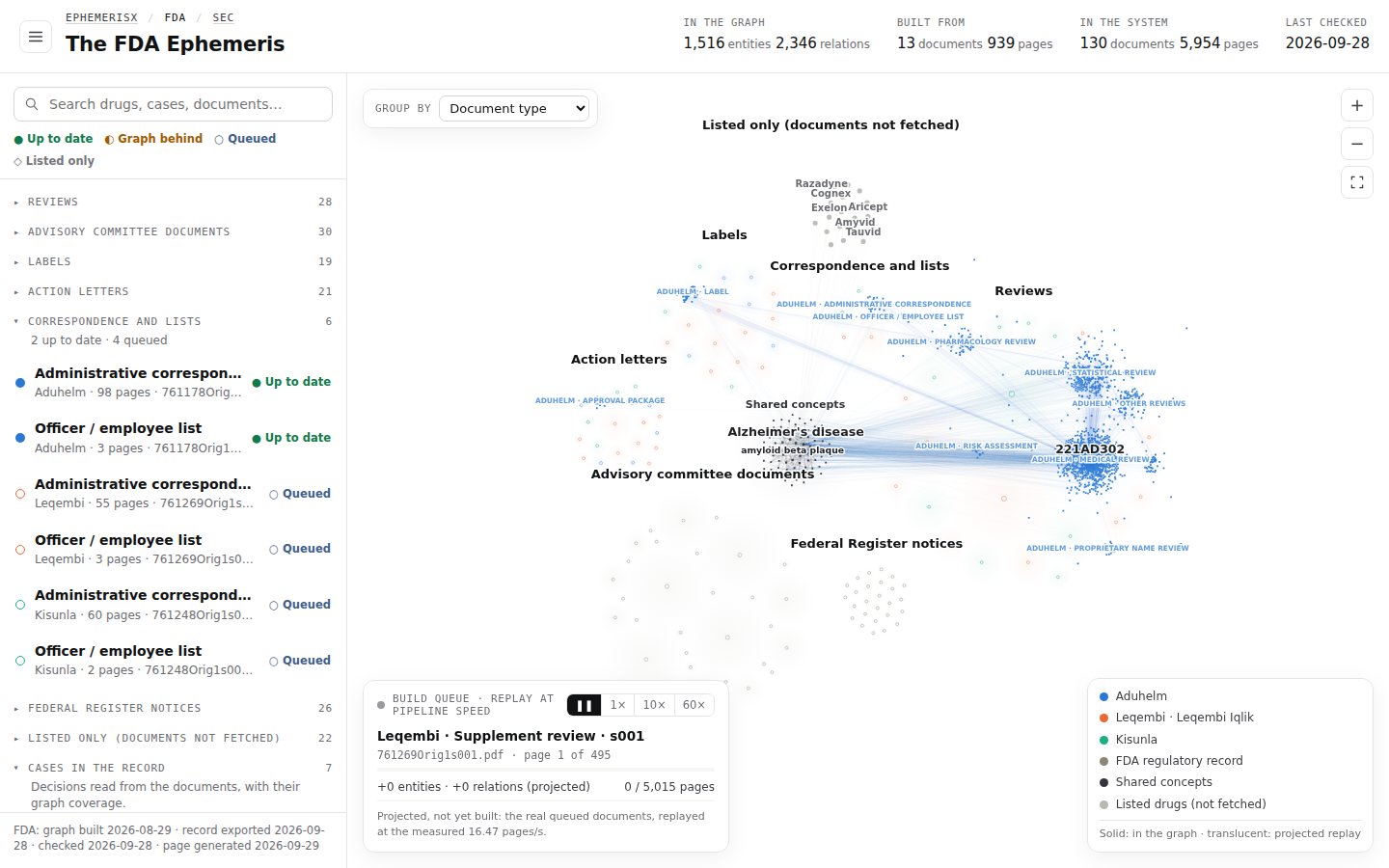
Document type is different from the other options: instead of moving whole items, it splits every item into one island per document, then groups the islands. Use it to compare, say, every label or every review across drugs.
| Map | Document types |
|---|---|
| FDA | Action letters · Advisory committee documents · Correspondence and lists · Federal Register notices · Labels · Reviews |
| SEC | Annual reports (10-K) · Complete Response Letters · Current reports (8-K) · Press releases (8-K exhibit 99) |
Items with no documents yet go to a region called Listed only (documents not fetched). In this mode, region labels count documents instead of items, and selecting a document row in the list zooms to its island.
Region labels#
Each region is titled with its value and a count, for example Alzheimer's disease over 28 items. Under each item name, a second line gives its status, for example:
- ● in the graph
- ◐ in the graph · 11 newer documents not yet graphed
- ○ queued · 28 documents · 1,413 pages